Last updated: November 2026
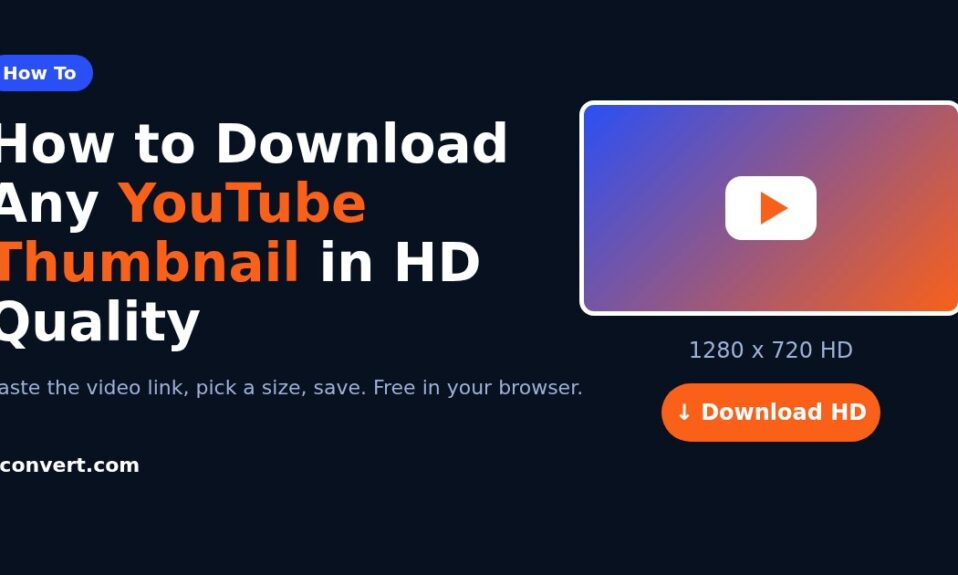
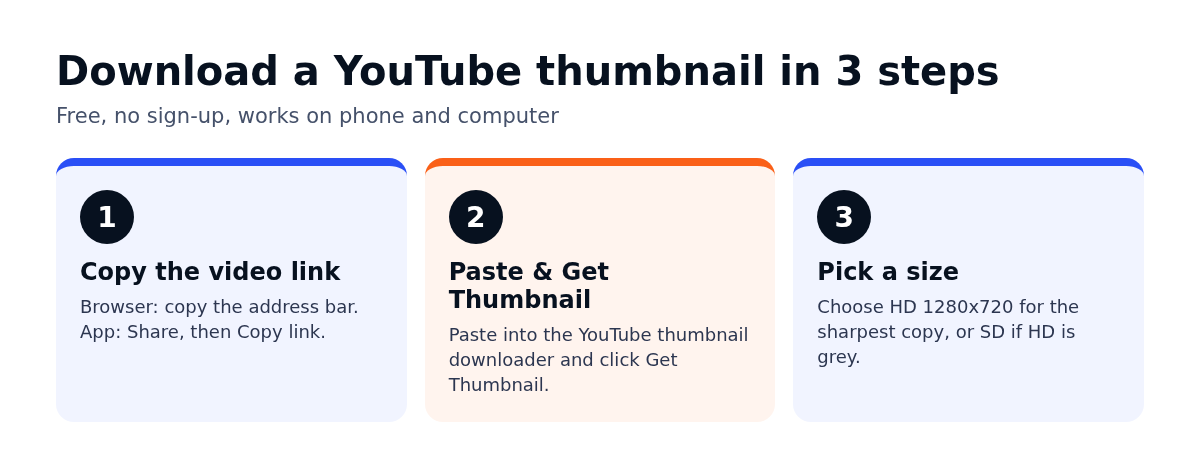
Short answer: to download a YouTube thumbnail, copy the video’s link, paste it into the YouTube thumbnail downloader and click Get Thumbnail. You’ll see five sizes, from HD (1280×720) down to Default (120×90). Click Download HD Thumbnail for the sharpest copy. It’s free and there’s nothing to install.
I use this more than almost any other small tool, mostly for competitor research before planning a client’s video content. Below I’ll go through the steps, what each size is good for, why HD sometimes shows a grey placeholder, and the rules on reusing a thumbnail you didn’t make.
How to download a YouTube thumbnail, step by step
Step 1: Copy the video link
On a computer, open the video and copy the address from the browser bar. In the YouTube app, tap Share under the video, then Copy link. The app gives you a short youtu.be link; the browser gives a longer watch link. Either one is fine.
If you’re copying from a Shorts video and the tool doesn’t pick it up, take the code after /shorts/ and use the normal watch link format instead. Same video, same thumbnail.
Step 2: Paste it into the tool
Open the thumbnail downloader, paste the link into the Enter YouTube Video URL box and click Get Thumbnail. A preview appears in a second or two.
Step 3: Pick a size and download
Under the preview there are five buttons, one per size. Click the one you need. On a phone, if the image opens in a new tab instead of saving, long-press it and choose Download image or Save to Photos.
Which thumbnail size should you download?
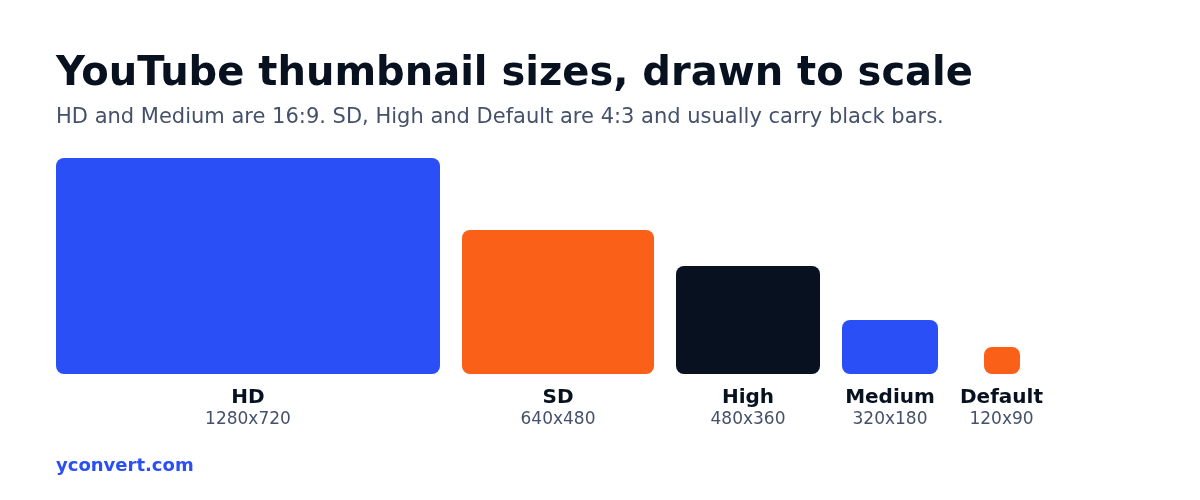
Most people only need HD. But the smaller sizes exist for a reason, and knowing the difference saves you from a blurry image on a slide.
| Size | Pixels | Shape | Good for |
|---|---|---|---|
| HD | 1280×720 | 16:9 | Presentations, blog headers, design reference |
| SD | 640×480 | 4:3 | Quick previews, backup when HD is missing |
| High | 480×360 | 4:3 | Small cards, email previews |
| Medium | 320×180 | 16:9 | Lists, spreadsheets, tight layouts |
| Default | 120×90 | 4:3 | Tiny icons in a report |
One thing to know about the 4:3 sizes: a normal widescreen video doesn’t fill that shape, so those files usually come with black bars at the top and bottom. If you’re putting the image somewhere visible, stick to HD or Medium, which are already 16:9.
Why the HD thumbnail is missing or grey
Every so often the HD button gives you a plain grey image with a small play icon instead of the real thumbnail. That’s not the tool failing. It means YouTube never generated a 1280×720 version for that video.
It happens mostly with older uploads, with videos that were uploaded at a low resolution, and sometimes with very fresh uploads that are still processing. The fix is simple: drop down to SD. That’s the largest version that exists, and a quick crop removes the black bars.
If no size works at all, check that the video is public. Private videos and removed videos don’t return a thumbnail. Unlisted ones normally do, as long as you have the link.
What I actually use downloaded thumbnails for
This is the part people don’t think about. A thumbnail downloader is a research tool more than anything.
Competitor research before planning videos
Say a coaching centre wants to start a YouTube channel for exam prep. Before we script anything, I pull the HD thumbnails of the top ten videos for their main topic and lay them out in a grid. Patterns jump out fast: how much text people use, whether faces are common, which colours repeat until everything blends together. The gap is usually obvious once you see them side by side.
Testing your own thumbnail at real size
Thumbnails are mostly seen small, on a phone, in a feed. I take a client’s draft, put it next to the downloaded competitor thumbnails at Medium size, and look at it from arm’s length. If the text can’t be read at that size, it won’t be read on a phone either. YouTube now shows thumbnails much larger on TV screens too, so a design should hold up at both ends.
Recovering your own lost files
Say a SaaS founder made a great thumbnail two years ago, but the designer has left and the original file is gone. Downloading the HD version from the live video gives you a working copy back in seconds.
Blog posts and presentations
A restaurant that posts recipe videos can use its own video thumbnail as the header image for the matching blog recipe. Download HD, then convert it if needed. The JPG to WebP guide covers how to make that header load faster on the page.
Can you reuse someone else’s YouTube thumbnail?
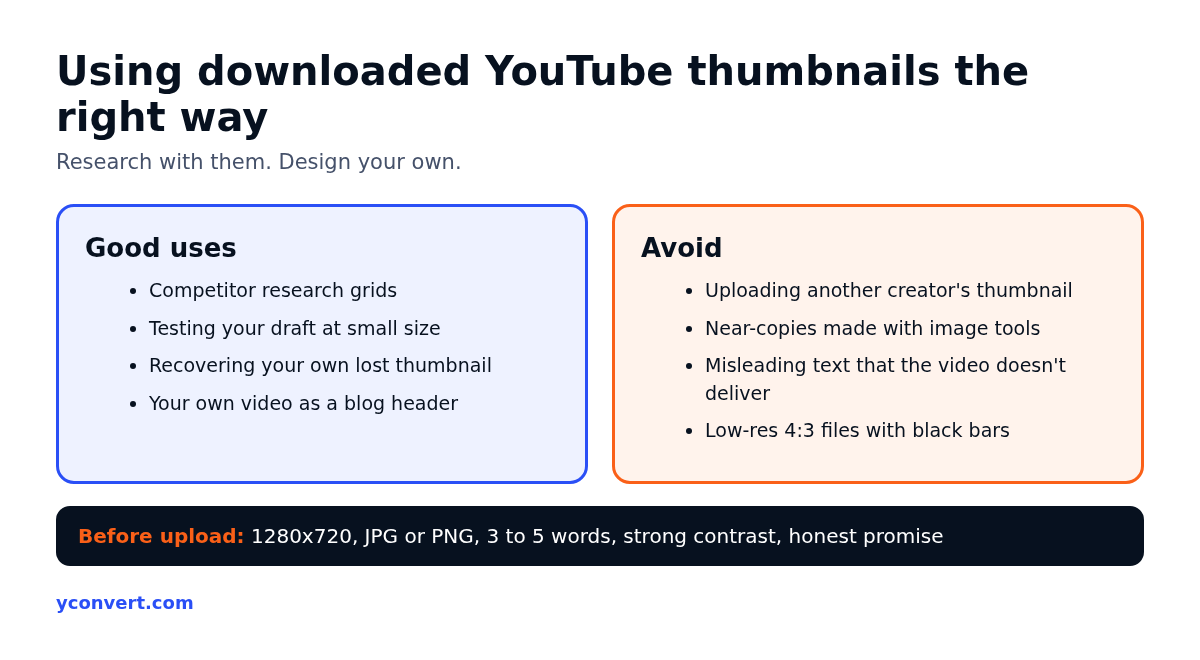
The thumbnail belongs to whoever made the video. Downloading it to study, to reference in a private research deck or to recover your own work is fine. Uploading someone else’s thumbnail as the cover of your own video is not. That’s copying, and YouTube does act on copyright and impersonation reports.
There’s a newer trap here too. With image tools, it’s easy to feed in a competitor’s thumbnail and ask for a “high resolution version”. If the output is basically their design with your face on it, you’ve copied it with extra steps. I tell clients to use reference thumbnails for one thing only: spotting the pattern. Then design something that breaks it.
A practical test I use: if you put your thumbnail next to the one that inspired it, could a viewer confuse the two? If yes, start again.
A quick thumbnail checklist before you upload
Once you’ve studied the competition, here’s what I check on a new custom thumbnail:
- Size: export at 1280×720. YouTube accepts smaller, but this is the size it shows on big screens.
- File: JPG or PNG, kept under YouTube’s upload limit. A JPG at good quality is usually plenty.
- Text: three to five words at most, large enough to read on a phone.
- Contrast: make sure it stands out against the white and dark versions of YouTube.
- Honesty: the thumbnail should show what the video delivers. Misleading thumbnails get clicks once and lose viewers after.
- Language: if you add dubbed audio tracks, see if you can set a matching thumbnail per language so the text reads right for each audience.
For a dental clinic explaining a procedure, that might mean a clean before-and-after split with two words of text. Simple tends to win at small sizes.
Related free YouTube tools
The thumbnail is one piece of a video’s packaging. Two other tools help with the rest. The YouTube title extractor pulls titles from competitor videos so you can compare them with the thumbnails you’ve saved. The YouTube tag extractor shows the tags a video uses. Titles and thumbnails work as a pair, so I always look at them together.
These tools are all free. The one paid product on yconvert is the AEO and SEO page audit, which starts with 1 free credit and then costs $2 per report, 10 reports for $15 or 20 for $20.
FAQ
How do I download a YouTube thumbnail in HD?
Paste the video link into the YouTube thumbnail downloader, click Get Thumbnail, then click Download HD Thumbnail. That gives you the 1280×720 version.
Why is the HD thumbnail grey?
YouTube didn’t create a 1280×720 version for that video, usually because it’s an older or low-resolution upload. Download the SD size instead.
Is it legal to download YouTube thumbnails?
Downloading for personal reference, research or recovering your own thumbnail is generally fine. Using another creator’s thumbnail on your own video or business page without permission is not.
Can I download a thumbnail from a YouTube Shorts video?
Yes. If the Shorts link doesn’t work directly, use the code after /shorts/ in a normal watch link and paste that into the tool.
What size should a YouTube thumbnail be?
1280×720 pixels in a 16:9 shape. That’s the HD size the downloader gives you and the size YouTube recommends for custom thumbnails.
Do I need to install anything?
No. The tool runs in your browser on phone or computer, with no sign-up.