Last updated: 23 November 2026
Internal linking for landing pages works when every link answers a question the visitor already has, or helps search engines see where the page sits in your site. Links pointing in from related pages, with descriptive anchor text, do most of the heavy lifting. Links going out should be few, placed beside the content they support, and kept away from the main call to action. Footer keyword lists, sidebars full of unrelated tools and “related posts” widgets that ignore the topic add noise and pull attention off the page’s one job.
That’s the answer. The rest of this post is how I decide which links stay, which go, and where the missing ones should come from.
Two directions, and most people only check one
When I audit a landing page, I look at internal links in two directions.
Links in. Which pages on the site point to this landing page, from where on those pages, and with what words? This is the part people forget, and it matters more. A landing page that nothing links to, or that only the main menu links to, is hard for search engines to treat as important. It’s also hard for real visitors to find.
Links out. Where does the landing page send people? Every outgoing link is a small exit door. Some doors are useful, like a link to a pricing breakdown for someone who isn’t ready to book. Some just leak attention.
I treat these as two separate jobs with two separate rules. Links in should be generous and descriptive. Links out should be stingy and purposeful.
What makes a link relevant
I use a simple test. For each link on or to the page, I ask three questions.
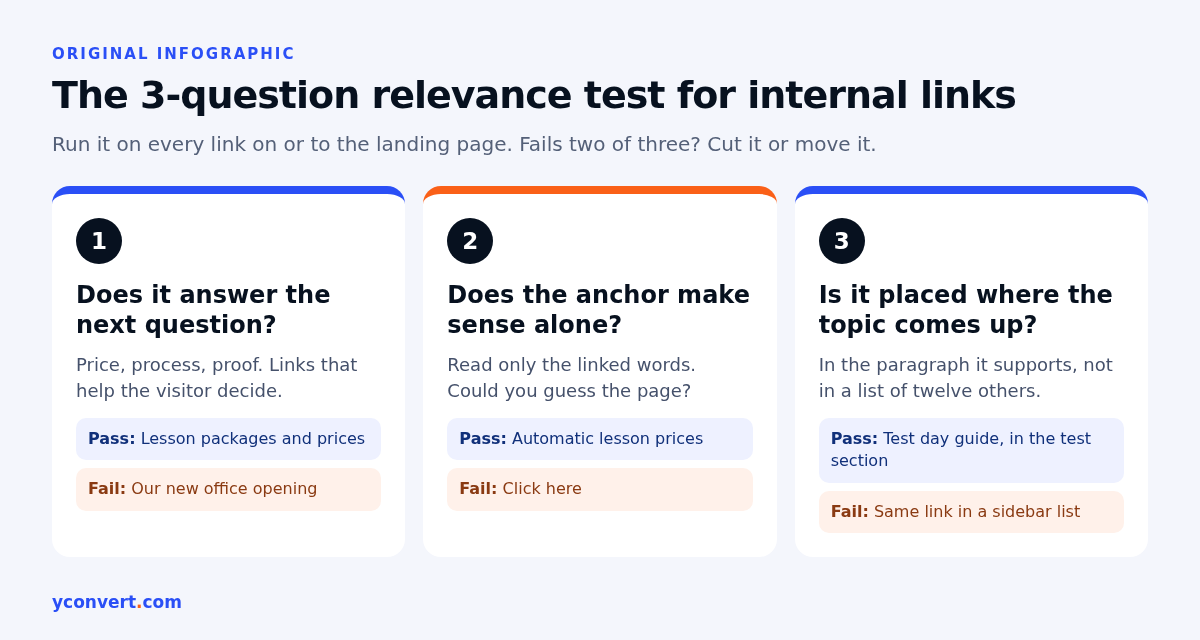
1. Does it answer the visitor’s next question?
Say a driving school has a landing page for “automatic driving lessons”. The visitor’s likely next questions are about price, how many lessons they’ll need, and what the test involves. A link to a page explaining lesson packages passes. A link to the school’s news post about a new office does not.
2. Would the anchor text make sense on its own?
Read only the linked words, out of context. “Automatic lesson prices” tells you what’s behind the link. “Click here” tells you nothing. Google’s own link guidance makes this same point: anchor text should be descriptive, reasonably short and relevant to both pages. I find that if I can’t write a clear anchor for a link, the link usually shouldn’t be there.
3. Is it placed where the topic comes up?
A link sitting inside the paragraph about test preparation, pointing to a test day guide, has context. The same link dumped in a sidebar list of twelve other links has very little. Placement is part of relevance. The words before and after a link help explain it.
If a link fails two of the three, I cut it or move it.
Relevant vs irrelevant links: a side-by-side
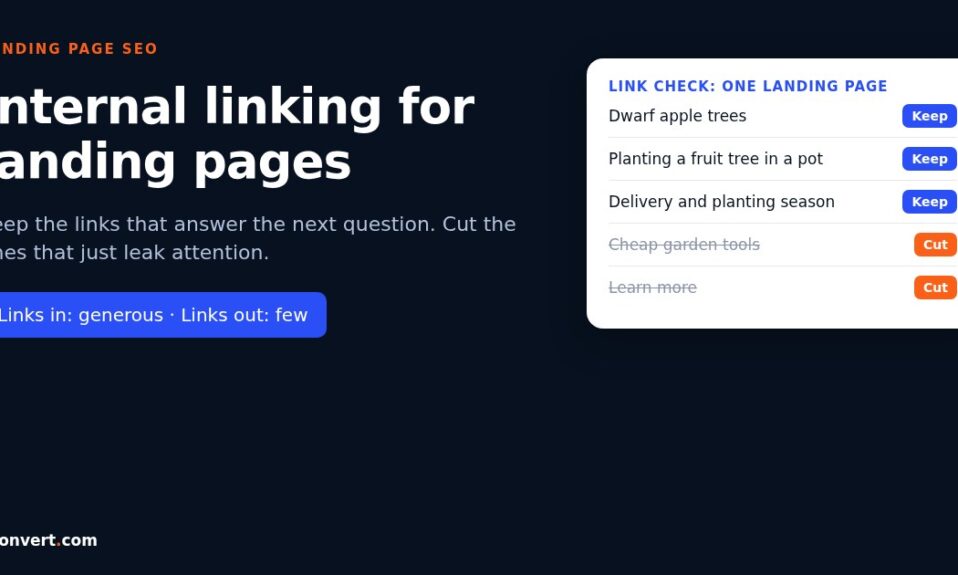
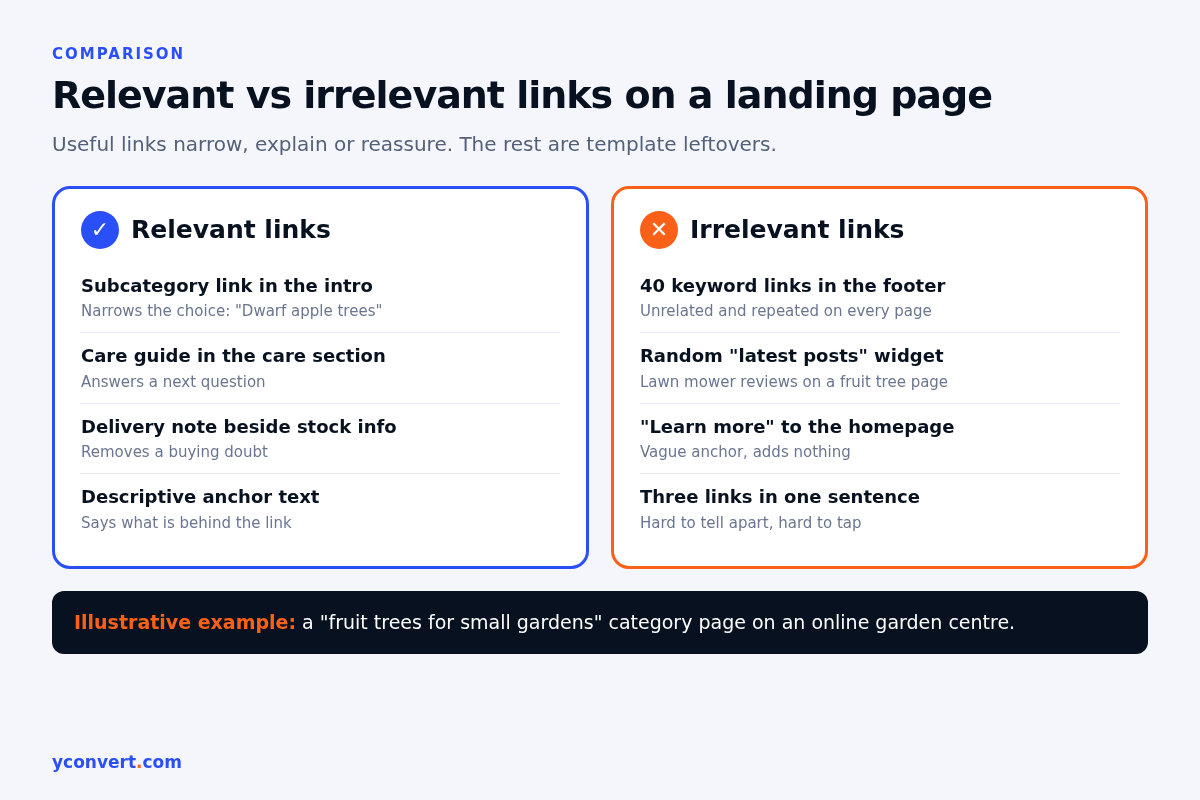
Here’s how this plays out on a single page. Picture an online garden centre with a category landing page for “fruit trees for small gardens”. This is an illustrative example, not a real audit.
| Link on the page | Relevant? | Why | What I’d do |
|---|---|---|---|
| “Dwarf apple trees” in the intro, to a subcategory | Yes | Narrows the choice for the visitor | Keep, near the top |
| “How to plant a fruit tree in a pot” inside the care section | Yes | Answers a common next question | Keep |
| “Delivery and planting season” next to the stock note | Yes | Removes a buying doubt | Keep |
| Footer list of 40 keyword links like “cheap garden tools” | No | Unrelated, repeated sitewide | Remove or trim to real hubs |
| Sidebar “latest posts” showing lawn mower reviews | No | Off topic for this page | Swap for related care guides |
| “Learn more” button to the homepage | No | Vague anchor, adds nothing | Remove |
The pattern is boring once you see it. The useful links narrow, explain or reassure. The useless ones are leftovers from templates and plugins nobody looked at again.
Links in: where the strength comes from
Most of the value I find in internal linking work comes from links pointing to the landing page, not from the landing page itself.
Find the pages that already earn attention
Start with your pages that get traffic or links from other sites: popular blog posts, guides, a well-visited FAQ. If any of them mention the landing page’s topic and don’t link to it, that’s an easy fix. One natural sentence with a descriptive link.
I see this constantly. A recruitment agency might have a strong guide on writing a CV for warehouse jobs, read by plenty of people, and a landing page for warehouse staffing that the guide never mentions. The two pages sit in the same topic, two clicks apart, and nobody connected them.
Vary the anchor, keep the meaning
Anchors pointing to the landing page should describe it, but they don’t all need to be the exact keyword. Natural variation reads better and looks less forced. What I avoid is using the same anchor for two different pages. If one article links “warehouse staffing” to the landing page and another links “warehouse staffing” to an old blog post, you’re sending mixed signals about which page owns that topic.
Keep it close to the surface
A money page shouldn’t be buried. If someone has to click through four or five levels to reach it, so does a crawler. I like key landing pages to be reachable within a couple of clicks from the homepage, through a menu, a hub page or a category page.
Links out: fewer, closer, after the main action
Landing pages exist to get one action: a booking, a quote request, a sign-up, a purchase. Outgoing links should support that, not compete with it.
My rules for links out:
- Put the main call to action first. Supporting links can come after the visitor has seen the offer.
- Link to what removes doubt. Pricing details, how the process works, guarantees, case examples. These help people say yes.
- Skip links to unrelated sections. A car rental landing page for airport pickups doesn’t need links to the company’s careers page in the body.
- Don’t stack links together. Three links in one sentence are hard to tell apart and harder to click on a phone.
There’s no magic number of internal links per page. Google says as much. My working rule is simpler: if I can’t explain why a link is there in one short sentence, it goes.
Navigation, footers and the template problem
A lot of irrelevant linking isn’t anyone’s decision. It comes from the theme.
Mega menus with dozens of entries, footers with keyword-stuffed link columns, “you may also like” widgets that pick posts at random. Every page carries them, so every page shares the same diluted set of links.
I don’t strip navigation from every landing page. For paid traffic pages built purely for conversion, a stripped-down layout often makes sense. For pages you want to rank organically, I keep a clean header so visitors and crawlers can move around, and I trim the footer to genuine hubs: main services, contact, policies. The footer isn’t a place to list every keyword you’d like to rank for.
Two technical checks while I’m here. First, every internal link should point to the final, canonical version of the URL, not a redirect, a tracking parameter or a version with a different trailing slash. Second, links should be real HTML links with an href. Buttons that only work through a script click event can be invisible to crawlers.
How I audit internal links on one landing page
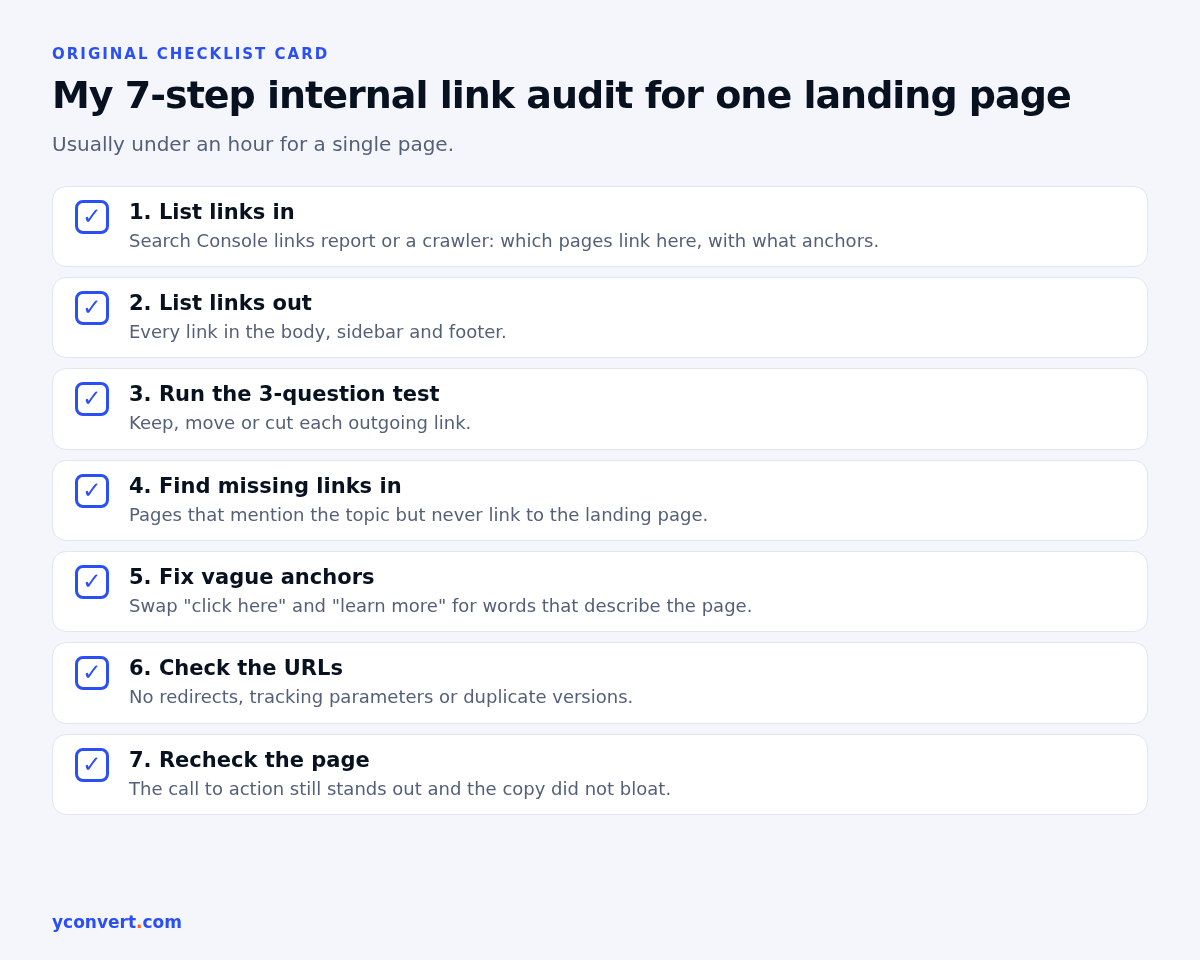
This is the routine I follow, usually in under an hour for a single page.
- List links in. Use Search Console’s links report or a crawler to see which pages link to the landing page and with what anchors.
- List links out. Copy every link in the main content, sidebar and footer.
- Run the three-question test on each outgoing link. Keep, move or cut.
- Find missing links in. Search your own site for the topic and note pages that mention it without linking.
- Fix anchors. Replace “click here” and “learn more” with words that describe the destination.
- Check URLs. No redirects, no parameters, no duplicate versions.
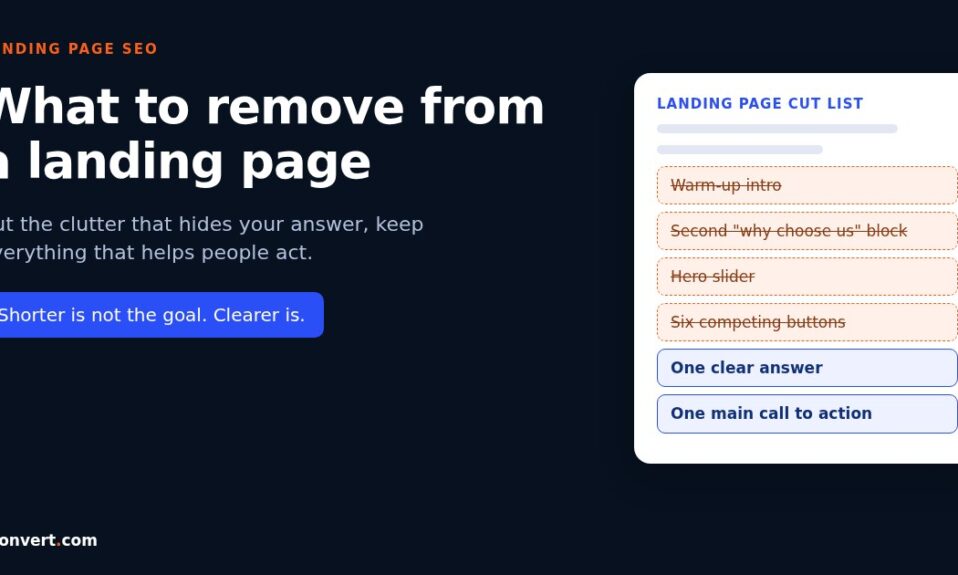
- Recheck the page. Make sure the call to action still stands out and the copy didn’t grow just to fit links in.
For that last step, I paste the main copy into the word counter before and after. If a page grew a lot to make room for links, something went wrong. And because internal links are one item among many, I run the rest of my landing page SEO audit checklist alongside this.
Mistakes I keep seeing
Orphaned landing pages. Built for a campaign, never linked from anywhere permanent. When the ads stop, the page has no way to be found.
Linking to competing pages. Two pages on the same topic linking to each other with the same keyword anchor. Pick the one that should rank and point the links there.
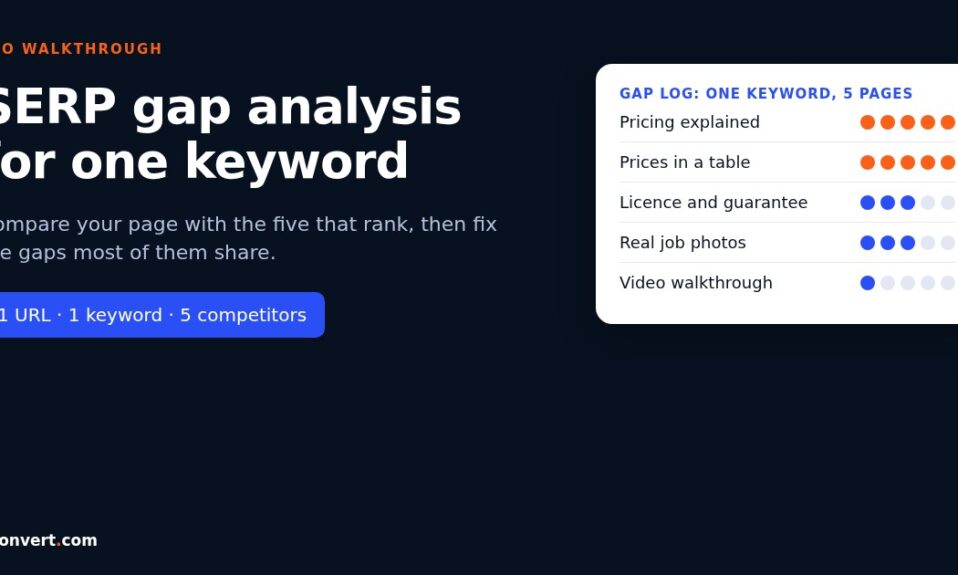
Treating links as a fix for weak content. Internal links help a good page get found and understood. They don’t make a thin page useful. If the page itself is missing what the ranking pages cover, a SERP gap analysis for one keyword is the better first step.
Hiding proof behind links. If your guarantee, reviews or licence details live on another page, a link helps, but a short version on the landing page itself helps more. I go through this in my landing page trust signals checklist.
Get the link check done for you
Doing this by hand once is worth it. You’ll learn a lot about how your site is wired. After that, it’s mostly listing and comparing. Our AI SEO and AEO audit tool takes one page URL and one keyword and includes internal link checks alongside schema, competitor gaps and AI citation visibility. Your first report is free with 1 credit. After that it’s $2 per report, or 10 reports for $15 and 20 for $20.
FAQ
How many internal links should a landing page have?
There’s no ideal number. Include the links that help a visitor take the next step or answer a likely question, and remove the rest. If a link needs a long explanation to justify, it probably doesn’t belong.
Should landing pages have navigation menus?
For pages you want to rank in organic search, yes, keep a clean header so people and crawlers can move around the site. For paid campaign pages built only for conversion, a stripped-down layout is often fine.
Do footer links count as internal links?
Yes, but sitewide footer links carry little context because they appear on every page. Keep the footer to real hubs like main services, contact and policies, and put topic links inside the body copy.
Should anchor text use the exact keyword?
It should describe the destination clearly, which often includes the main term. Vary the wording naturally across pages, and never use the same anchor for two different URLs on the same topic.
Which matters more, links to the landing page or links from it?
Links to it. Descriptive links from related, well-visited pages help search engines see the landing page as important. Links from the page mainly guide visitors and should be few.