Last updated: November 2026
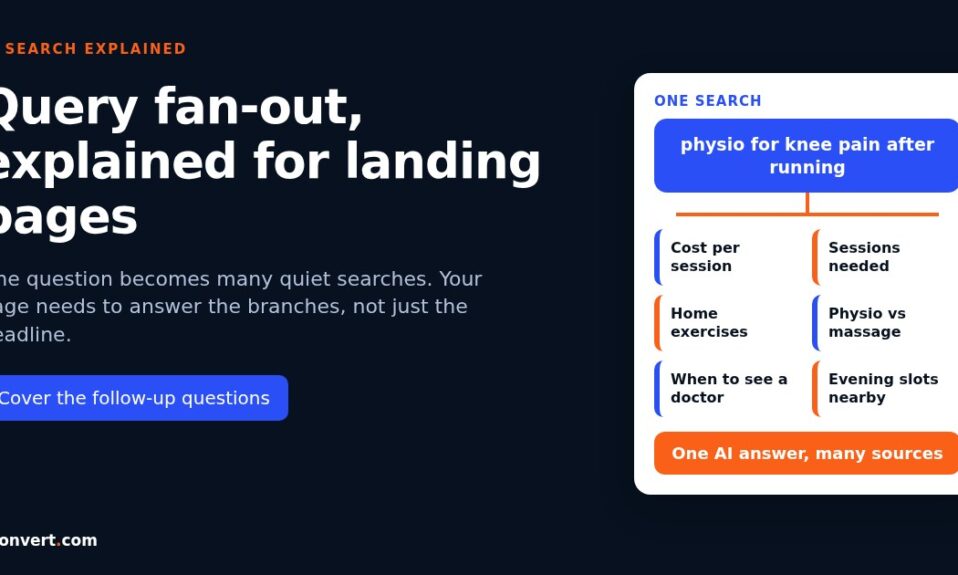
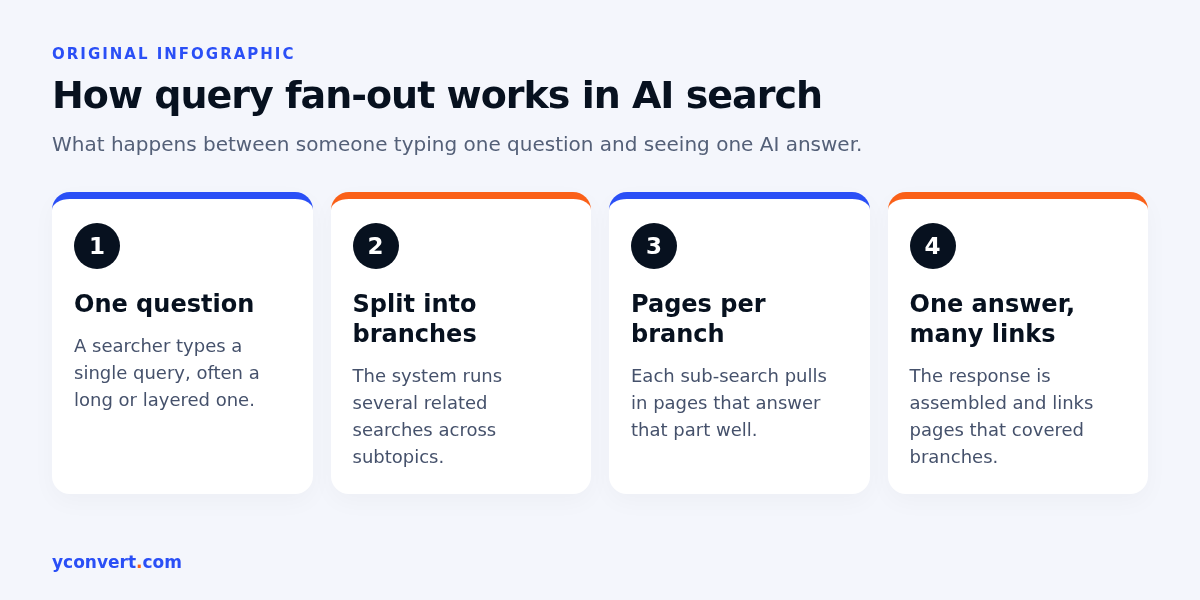
Query fan-out is when an AI search system takes one question, quietly splits it into several related searches, runs them, and builds one answer from what comes back. Google says both AI Overviews and AI Mode may work this way. For a landing page owner, that changes the target. You’re not only competing for the phrase someone typed. You’re competing for the follow-up questions the system asks on their behalf, and a page that answers only the headline query can rank well and still get left out of the answer.
I spend a lot of my audit time on this now. Not because it’s a new trick, but because it explains a pattern I kept seeing and couldn’t name: strong pages, decent rankings, and still no mention in the AI answer.
What query fan-out actually means
Think about how a careful person researches a purchase. They don’t type one search and stop. They check price, then reviews, then “is X worth it”, then what the alternatives are. Fan-out is the system doing that legwork in one go.
Google’s own documentation on AI features describes it as issuing multiple related searches across subtopics and data sources to develop a response. The same page says this lets them show a wider and more varied set of links than a classic results page. That second part is the bit I care about. More sub-searches means more chances for different pages to get pulled in. Including yours, if you answer one of the branches well.
The catch: you don’t get to see the sub-searches. I haven’t found any report in Search Console that lists them. AI Overview and AI Mode clicks are counted inside the normal Performance report, under the Web search type, mixed with everything else. So mapping fan-out is detective work. You infer the branches from the question, the results page and your own customers.
A worked example: one search, many branches
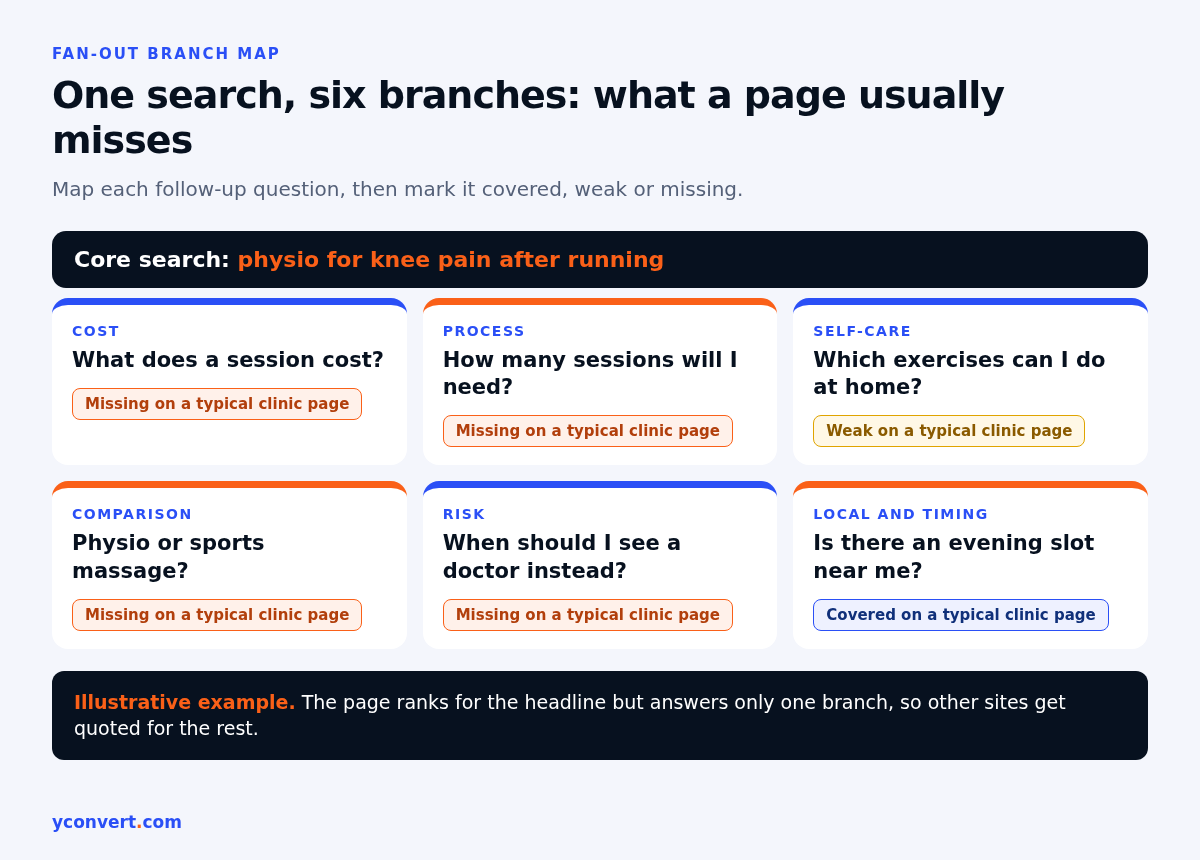
Say a physiotherapy clinic has a landing page targeting “physio for knee pain after running”. A searcher types that in. The system might reasonably want to know a lot more before it answers:
- How many sessions does knee pain usually need?
- What does a session cost, and is it covered by insurance?
- Which exercises can I do at home in the meantime?
- Physio or sports massage: which one for this?
- When is it something to see a doctor about instead?
- Is there a clinic near me with an evening slot?
Now look at a typical clinic page. Big hero photo, “Expert care for all your aches and pains”, a services grid, a booking button. It answers none of those six. A blog post on a health site, a forum thread and a directory listing each answer two or three. Guess who gets quoted.
The page isn’t bad. It just answers the headline and nothing underneath it.
How I map fan-out branches for one landing page
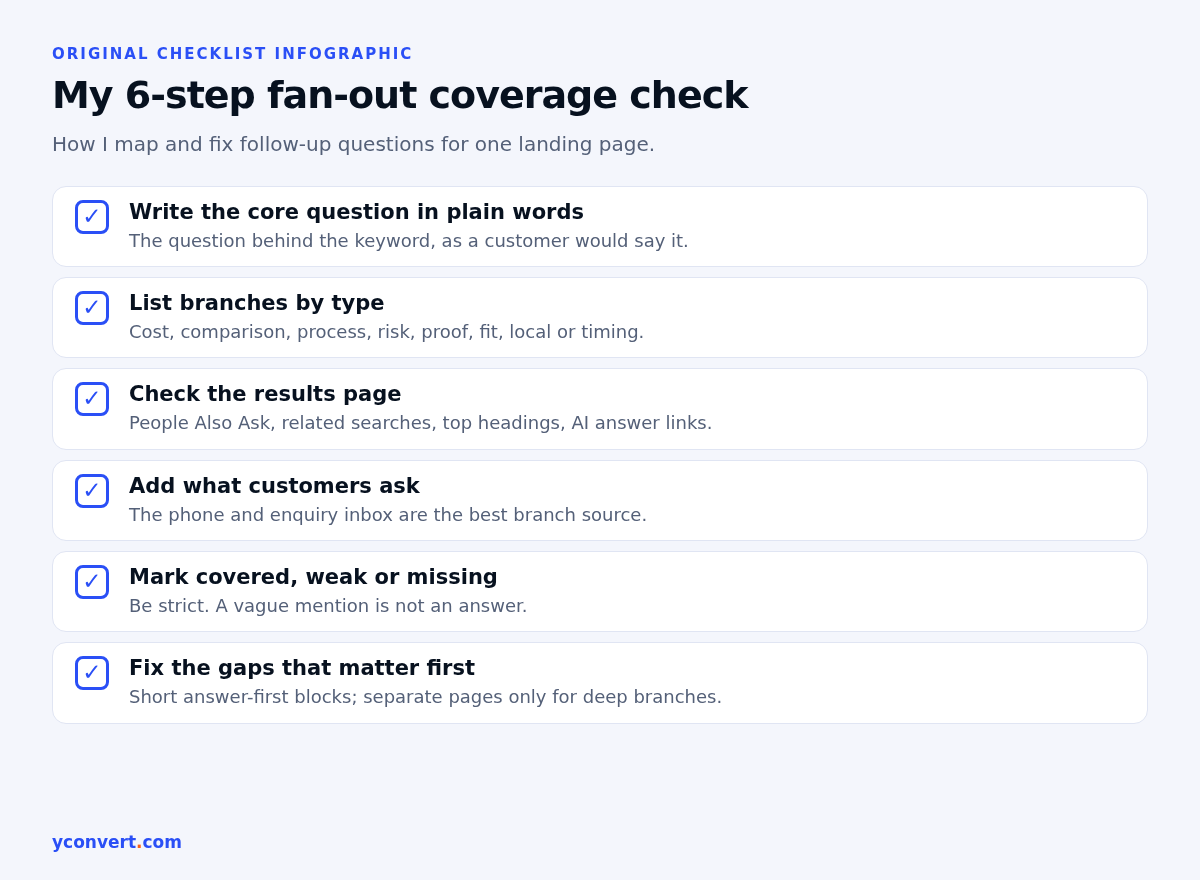
This is the process I use. It needs no paid tool, just a browser, a notes file and a bit of honesty about what your page really covers.
1. Write the core question in plain words
Not the keyword. The question behind it. “Coworking space in [area]” becomes something like “where can I rent a desk nearby that’s quiet, has decent internet and doesn’t lock me into a long contract?” That sentence already hints at three branches.
2. List the branches by type
Most fan-out questions fall into a handful of buckets. I go through them one by one:
| Branch type | What the searcher is really asking | Example for a used car dealer |
|---|---|---|
| Cost | What will this set me back, all in? | Are there fees on top of the listed price? |
| Comparison | How does this stack up against the other option? | Dealer or private seller: which is safer? |
| Process | What happens after I say yes? | How does a test drive and paperwork work? |
| Risk | What could go wrong? | What if the car develops a fault next month? |
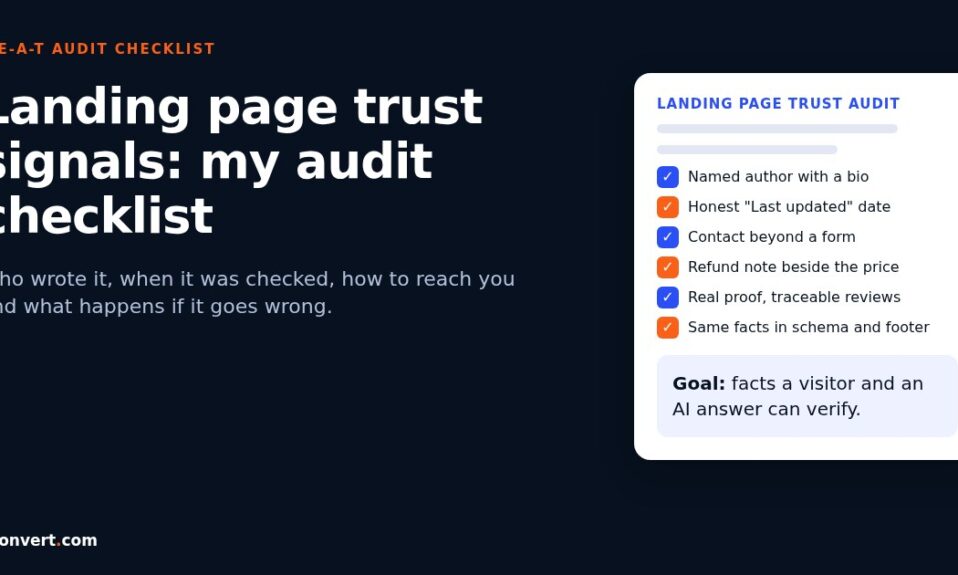
| Proof | Why should I trust you? | Is there a service history and an inspection report? |
| Fit | Is this right for someone like me? | Which models suit a first-time driver? |
| Local or timing | Can I get it here, and when? | Can I collect the same week? |
Not every row applies to every page. That’s fine. Cross out the ones that don’t.
3. Check the results page for clues
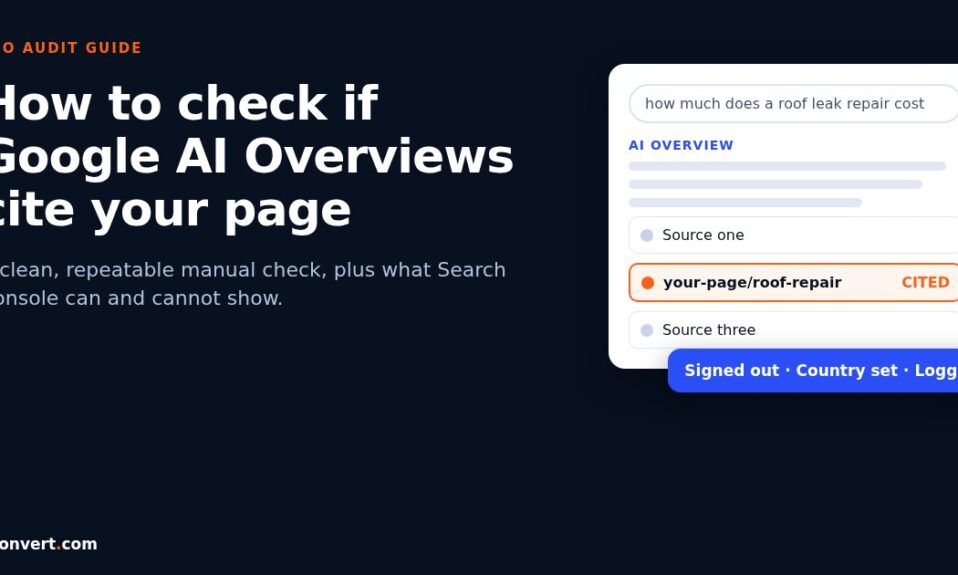
Search the core query yourself. Read the People Also Ask questions, the related searches at the bottom and the headings of the top few results. If an AI Overview shows up, note which sub-topics it covers and which links it cites for each. I’ve walked through that checking routine in my guide on how to check if AI Overviews cite your page.
You’ll start seeing the same branches come up again and again. Those are your priority.
4. Add what your customers ask
This is the source almost everyone skips, and it’s often the best one. Ask whoever answers the phone or the enquiry inbox: what do people ask before they book? A travel agency’s front desk will tell you about visa help, cancellation rules and whether the price includes airport transfers long before any keyword tool does.
5. Mark each branch: covered, weak or missing
Go through your page and be strict. “Covered” means a reader gets a clear answer in a sentence or two. A vague mention doesn’t count. “We offer flexible plans” is not an answer to “can I cancel monthly?”
6. Fix the gaps that matter, in order
Missing branches that showed up in the results page and in your customer list go first. Everything else waits.
How to cover branches without bloating the page
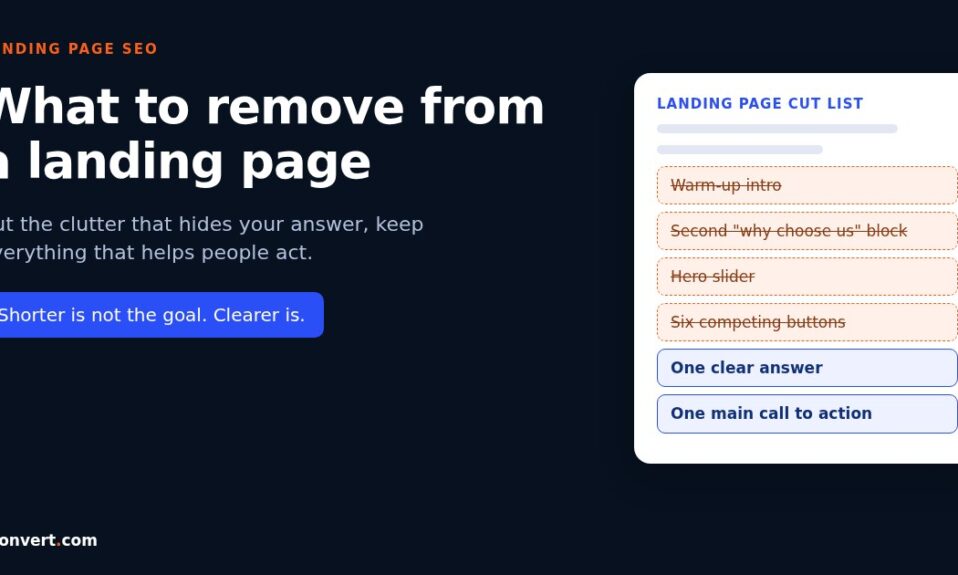
Here’s where people overcorrect. They hear “answer more questions” and bolt fifteen paragraphs onto a sales page. That’s a different problem, and I’d rather fix one than create the other.
A few rules I follow:
One branch, one short block. A heading phrased like the question, then two or three sentences that answer it directly. If the answer needs a page of its own, write that page and link to it.
Answer first, explain second. The opening line of each block should work on its own if it were lifted out. I’ve covered that habit in the answer-first paragraph guide, and it matters even more here, because each branch is effectively its own mini query.
Use tables for comparisons. A pet groomer comparing a bath-and-brush with a full groom is far clearer as a small table with price range, time taken and what’s included than as two long paragraphs.
Don’t spin up a page per variation. Google’s guidance on AI features is clear that normal SEO fundamentals apply and no special markup or files are needed. Ten near-identical pages for every phrasing of a question won’t help. One page that genuinely covers the topic, plus a few supporting pages for the deep branches, works better.
Keep it honest. If you don’t know an answer, or it depends, say what it depends on. An architect who writes “fees usually depend on project size and how many design rounds you want, and we quote after a site visit” has answered the cost branch honestly, without inventing a number.
Some branches you can’t win on your own page
This took me a while to accept. A few fan-out branches will almost always be answered by other sites. “Is this company any good?” gets answered by reviews, forums and directories, not by your own testimonials page.
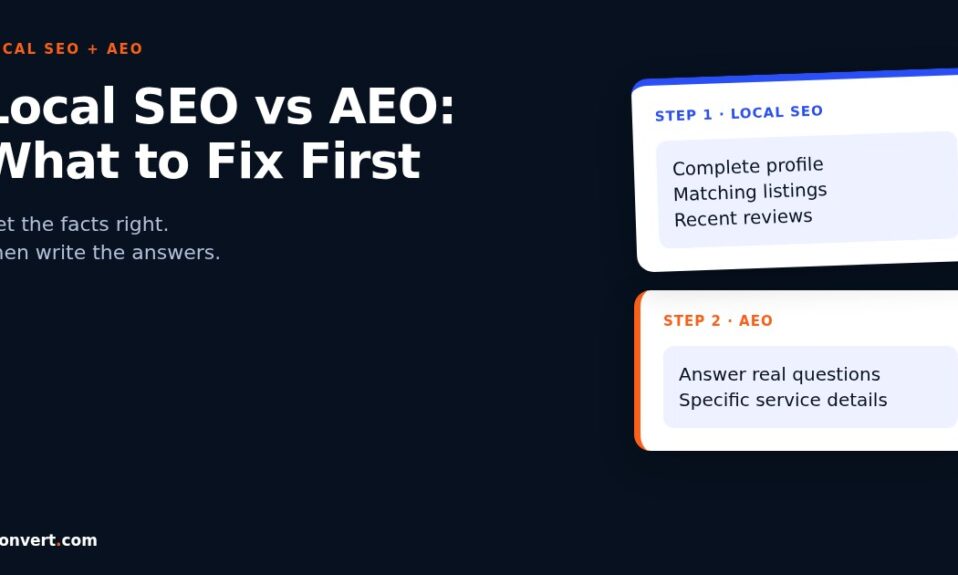
You can’t host those answers yourself. What you can do is make sure they exist elsewhere and say consistent things: an up-to-date business profile, reviews from real customers, accurate listings. I’ve written more on why those outside voices get picked in why Reddit threads beat your page in AI answers.
Ranking well but still not cited?
That’s the most common reason people come to me, and fan-out is usually part of it. A page can rank for the main phrase because it’s relevant and well linked, while the AI answer gets built from pages that handle the sub-questions better. If that’s where you are, the full list of causes I check is in ranking on page 1 but not cited in AI Overviews. Fan-out coverage is one item on it, and it’s the one I’d fix first on most service pages.
Mistakes I see with query fan-out
Treating it as a keyword list. Fan-out branches are questions with intent. Stuffing “physio cost”, “physio price” and “physio fees” into one page isn’t coverage. Answering what a session costs is.
Copying another site’s branch list. Your customers ask different things from theirs. A tool or a competitor’s headings can be a starting point, never the final map.
Ignoring the boring branches. Opening hours, parking, payment options, how long delivery takes. These feel too obvious to write down. They’re also exactly what people ask, and what a system checks before recommending you.
Doing it once. Questions change with seasons, prices and new options. I recheck the branch map for a money page every few months.
Check your page’s coverage
If you’d rather not map it all by hand, our AI SEO and AEO audit tool checks one landing page against one keyword and shows competitor gaps and People Also Ask questions you’re missing, along with AI citation status. Your first report is free with 1 credit. After that it’s $2 per report, or 10 reports for $15 and 20 for $20.
FAQ
What is query fan-out in simple terms?
It’s when an AI search system breaks one question into several related searches, runs them, and combines what it finds into one answer. Google says AI Overviews and AI Mode may both use it.
Can I see the fan-out queries Google runs for my keyword?
Not directly. Google doesn’t publish them, and AI feature traffic is counted inside the normal Search Console Performance report. You can infer likely branches from People Also Ask, related searches, top results and your own customers’ questions.
Do I need special schema or files to optimise for query fan-out?
No. Google’s guidance on AI features says there’s no special schema or machine-readable file needed. Clear, helpful content that answers the related questions is what counts.
Should I create a separate page for every fan-out question?
Usually not. Cover the common branches on the main landing page in short, direct blocks, and give a separate page only to branches that need a lot of detail. Avoid near-duplicate pages for every phrasing.
How is query fan-out different from long-tail keywords?
Long-tail keywords are phrases people type themselves. Fan-out questions are the related searches the system runs on the searcher’s behalf. They often overlap, but fan-out is about covering the questions behind a topic, not matching extra phrases.